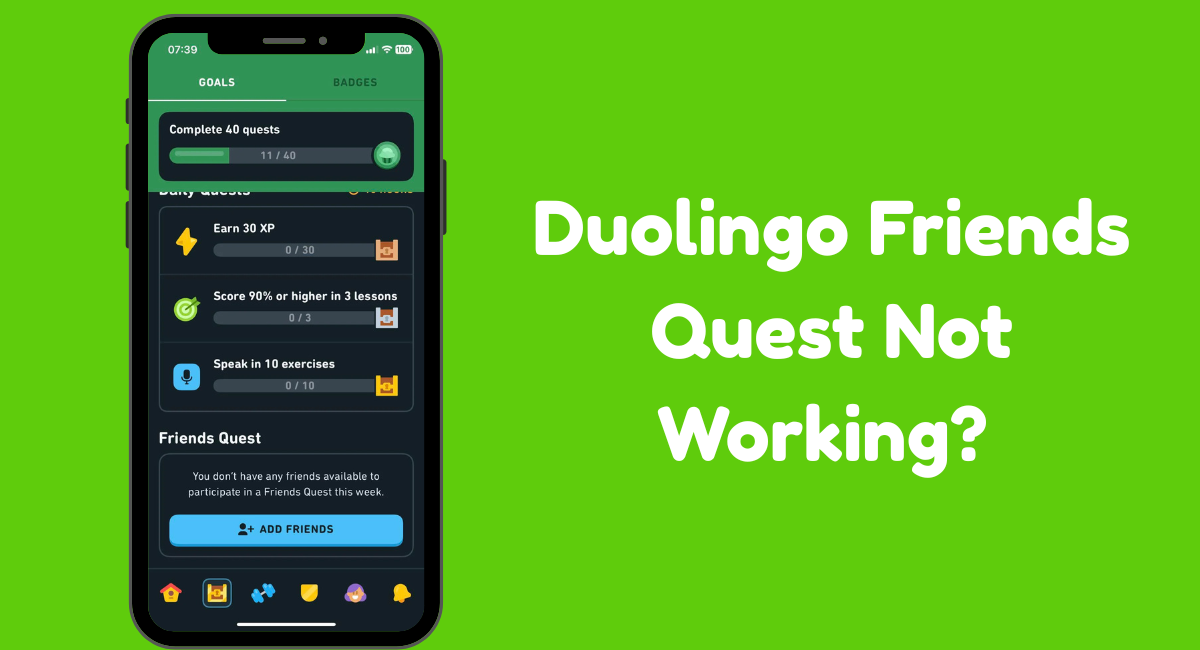



Quick Answer:
- Turn on Friends Quest
- Check for app updates
- Restart your device
- Clear app cache (Android only)
- Offload the app (iOS only)
- Check Duolingo’s server status
Have you ever opened Duolingo, happy to start a Friends Quest, but then saw… nothing? 😩
I know how that feels! When I first tried it, my Friends Quest didn’t work at all. I refreshed the app, restarted my phone, even reinstalled it—but nothing helped.
After searching online, I found a few easy fixes that finally worked for me.
If your Friends Quest isn’t showing up or updating, don’t worry—I’ll show you exactly what I did and what you can try too.
Let’s get started!
How to Fix Duolingo Friends Quest Not Working?
If your friend’s Quest isn’t working, don’t worry! Try these steps — they helped me fix the same problem, and I’m sure they’ll help you too.
#1. Enable the Friends Quest :

If your Duolingo Friends Quest isn’t working, first make sure it’s turned on in your app settings. If it’s turned off, that could be the reason your friend’s quest isn’t showing up.
Here’s how to check:
- Open the Duolingo app.
- Tap the Profile tab.
- Tap the Settings icon at the top.
- Scroll down to Friends Quest and turn it on if it’s off.
#2. Check for App Updates:
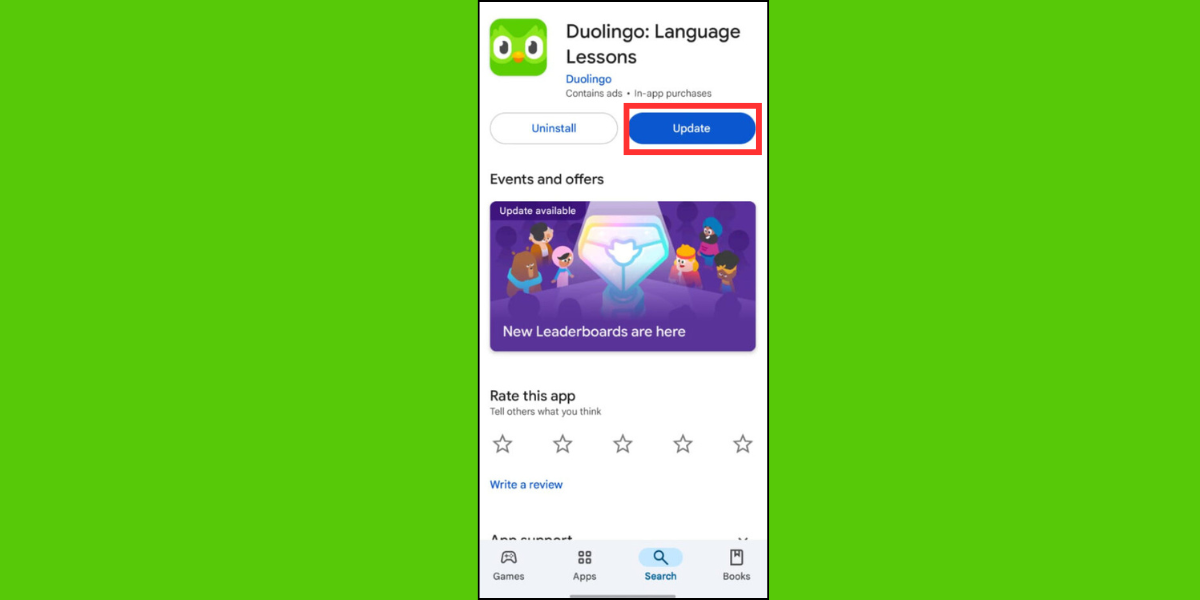
If Friends Quest still isn’t working after you’ve turned it on, make sure you’re using the latest version of Duolingo. Sometimes an outdated app can cause the problem.
Here’s how to update it:
For Android:
- Open the Play Store app.
- Tap your profile icon, then select Manage apps & devices.
- Find Duolingo and tap on it.
- Tap the Update button.
For iOS:
- Open the App Store.
- Tap your profile picture at the top.
- Tap Updates.
- Find Duolingo, tap on it, then tap Update.
#3. Restart Your Device:
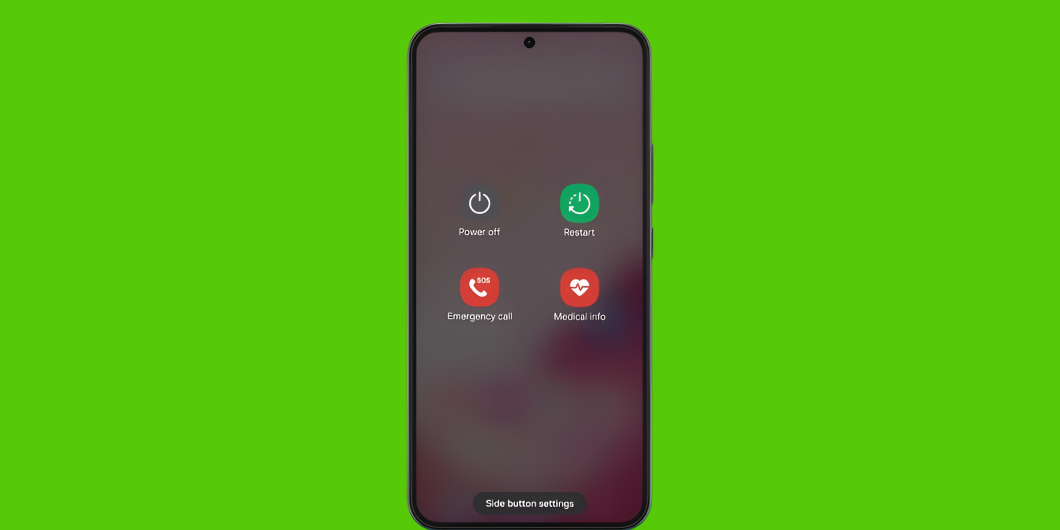
Sometimes, simply restarting your device can fix the issue. Just turn it off, wait a few seconds, then turn it back on.
After that, open Duolingo and check if Friends Quest is working.
#4. Clear App Cache (for Android users):

If you’re using an Android phone, try clearing the app’s cache. The cache stores temporary files that can sometimes cause glitches.
Here’s how to clear the cache for the Duolingo app:
- Tap and hold the Duolingo app.
- Tap the “i” (info) icon.
- Select Storage.
- Tap Clear Cache.
#5. Offload the App (for iOS users):

Unlike Android, iOS doesn’t let you clear an app’s cache directly. But you can do something similar called offloading.
Offloading basically removes the app while keeping your data safe. Reinstalling it afterward can help fix issues like Friends Quest not working.
Here’s how to offload the Duolingo app on your iPhone:
- Open the Settings app.
- Tap General, then iPhone Storage.
- Find and tap Duolingo.
- Tap Offload App.
#6. Check Duolingo’s Server Status:
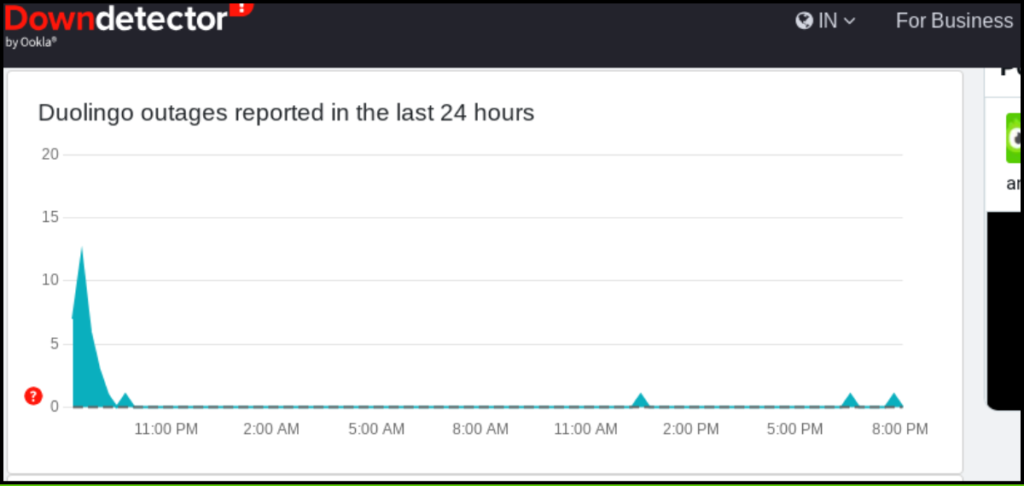
Sometimes, Duolingo’s servers — or even servers for apps like Facebook, WhatsApp, or Spotify — can go down.
When that happens, certain features might not work properly. To see if Duolingo’s servers are down, here’s what to do:
How to Check Duolingo’s Server Status:
- Visit a server status website like DownDetector.
- Type “Duolingo” in the search bar.
- Check if there are any reported outages.
If the servers are down, you’ll just need to wait until Duolingo fixes the issue.
FAQs
Q: What is the Duolingo Friends Quest?
Duolingo’s Friends Quest is a weekly challenge that pairs you with one of your Duolingo friends. Together, you’ll complete fun tasks — like earning XP or finishing lessons — within five days to complete the quest.
Q: I enabled Friends Quest, but it’s still not working. What should I do?
If Friends Quest isn’t working, try these quick fixes:
- Update the Duolingo app.
- Restart your device.
- Check Duolingo’s server status.
- Clear the cache (Android) or offload the app (iOS).
These steps usually solve the problem!
Q: Why isn’t my Friends Quest progress updating?
If your progress isn’t updating, try the following:
- Check your internet connection.
- Refresh the Friends Quest page and wait a moment for it to sync.
- Restart the Duolingo app.
- Update the app.
- Check Duolingo’s server status.
Q: What if my friend’s progress isn’t syncing?
If your friend’s progress isn’t updating, make sure they have a strong internet connection and are using the latest version of Duolingo.
Wrapping Up
So, those are some of the best ways to fix the Friends Quest problem in Duolingo! I hope these steps work for you just like they did for me.
That’s all for now! If this guide helped you, please share it with your Duolingo friends and family. And don’t forget to follow us on social media for more tips and updates!






1 thought on “Friends Quest Not Working on Duolingo? Try These Proven Fixes”