


Quick Answer
Open Duolingo app → Tap the flag icon → Select Music under “New Courses” → Add course.
Do you love music and wish there were a super simple way to start learning it?
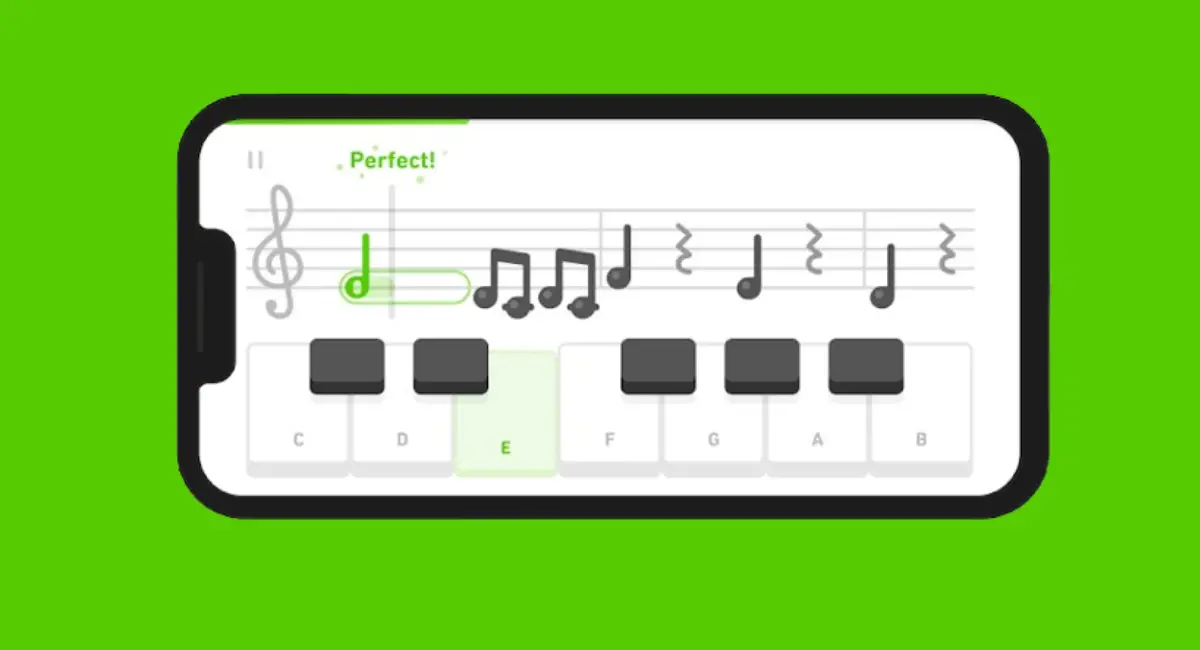
Good news — Duolingo just rolled out a free Music course! 🎵
And if this is the first time you’re hearing about it, no worries at all.
In this guide, I’ll show you exactly how to find the Music course in the Duolingo app and add it.
Let’s get started!
How to Add a Music Course on Duolingo (Android & iOS)
Adding the Music course is super easy. Below, I’ll show you the steps on mobile whether you’re using Android or iOS, the process is almost the same.
Step 1: Open the Duolingo App
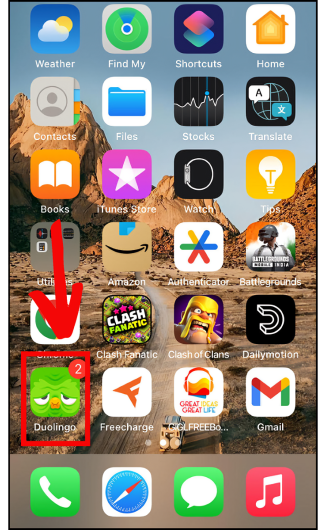
- First, open the Duolingo app on your smartphone (Android & iOS).
Step 2: Tap the Flag Icon
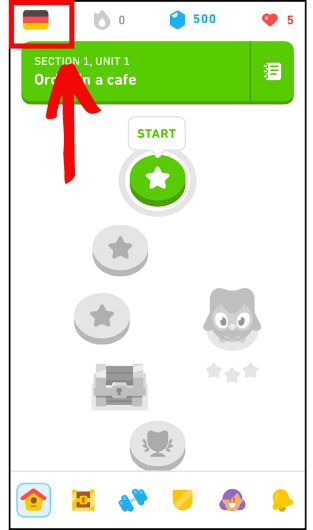
- Next, look at the top-left corner of the screen and you’ll see a small little flag icon—just tap on it.
Step 3: Select the Music Course
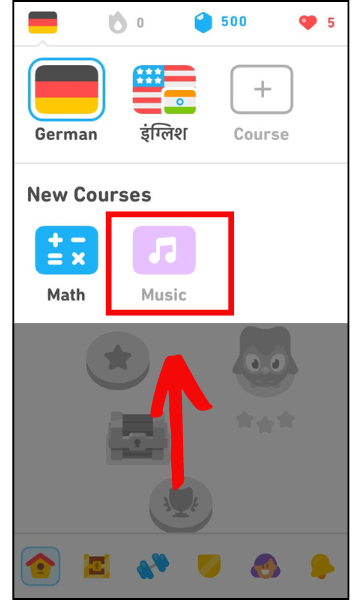
- Now, under the New Courses section, you’ll see options like Math and Music.
- Just tap on Music, and you’re ready to start learning!
Note: The Duolingo Math course is available only on mobile devices (Android and iOS) for now. It isn’t available on the desktop website yet.
FAQs
1. Is the Duolingo Music course available for everyone?
Yes! The Music course is available for all users on both Android and iOS devices.
2. Can Android users access the Music course?
Absolutely. The Music (and Math) courses are now available for all Android users as well.
3. Do I need a specific iOS version to use the Music course?
Yes—you need to have iOS 16 or later to use the Music course on your iPhone.
4. Is the Music course free on Duolingo?
Yes! The Music course is completely free for everyone, just like other courses.
Wrapping Up
So these are the quick and easy steps to add the Music course on Duolingo—no matter whether you’re using Android or iOS.
That’s all for this guide! If you have any questions, feel free to drop them in the comment section and I’ll reply as soon as I can.





When will these two course be available for Andrioid?
Hi Polly, thanks for commenting!
Both the music and math courses are currently in beta testing on Android, so hopefully they will be available to all Android users soon.
Seen math and music just dropped for android 14 users. Any idea when they plan to release it for users still using android 8.1?